MAVIS
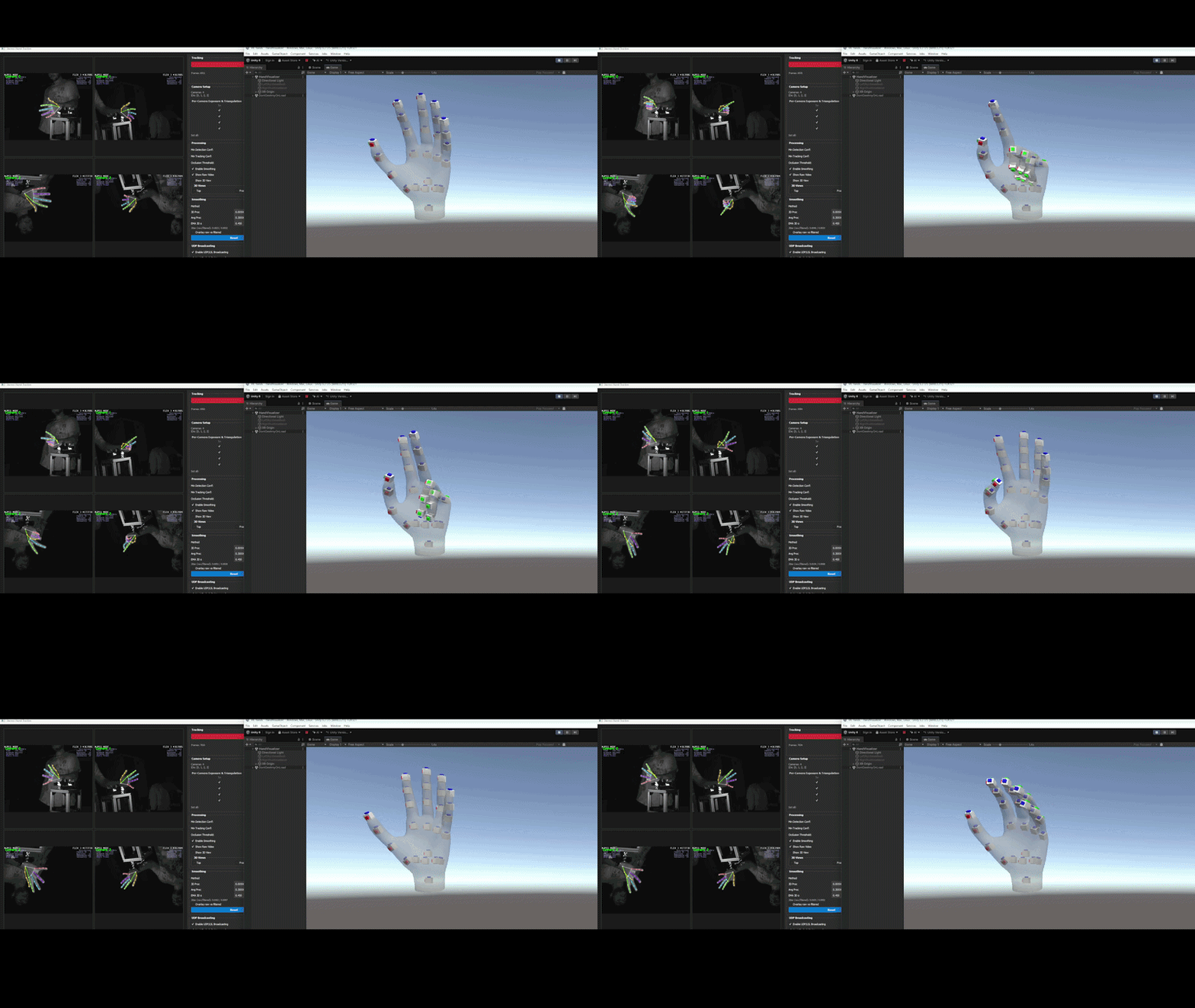
Motion Analysis and Visual Interaction Suite turns webcam, video, or caller-supplied frames into hand landmarks.
Version 0.1.0 is available on PyPI. Start with the
installation guide, then run mavis-track demo for
a desktop preview without calibration. The studio also provides face, pose,
and holistic preview modes.
For another application, use the integration guide:
from mavis_track import HandTracker, then tracker.process(frame).
Your project keeps control of capture and display.
MAVIS includes numeric recordings, timed replay, rectangular CSV export, optional UDP/LSL, and advanced calibrated cameras. Image-normalized landmarks, hand-centered model estimates, and calibrated world coordinates are distinct data products. Joint angles are geometric estimates.
See the CLI, troubleshooting, and release guide for further details.